10 Reasons the Steam Deck OLED Outshines Every Windows Handheld
The handheld gaming market has exploded in recent years, with devices from ASUS, Lenovo, and others vying for your pocket. But sitting atop them all is a rather unassuming contender: the Steam Deck OLED. After spending countless hours with this device—and decades with handhelds dating back to the Sega Game Gear—I've discovered that it's not just the OLED screen or the ergonomics that make it special. It's one fundamental advantage that no Windows handheld can replicate. Here are ten things you need to know about why the Steam Deck OLED wins.
1. The Operating System That Fits Like a Glove
At the heart of the Steam Deck OLED is SteamOS, a Linux-based operating system purpose-built for gaming. Unlike Windows handhelds that try to shoehorn a desktop OS into a portable form, SteamOS boots directly into a console-like interface. You get seamless controller navigation, instant suspend/resume (just like a Switch), and automatic updates tailored for gaming. Windows handhelds, by contrast, force you to wrestle with driver updates, background processes, and a touch-unfriendly UI. SteamOS eliminates that friction, making the Deck feel like a dedicated console rather than a mini PC.
2. Unbeatable Battery Life for AAA Gaming
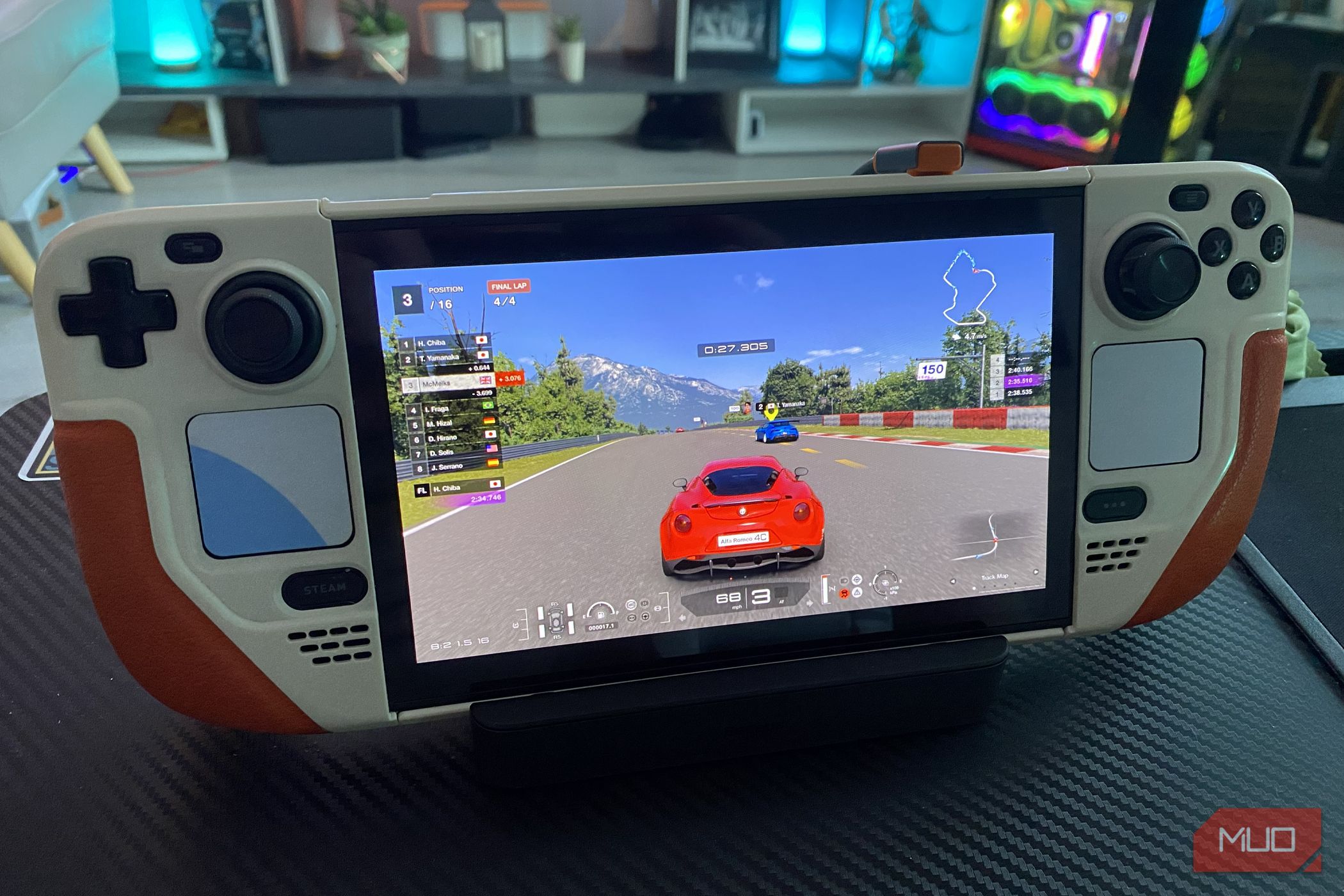
The original LCD Steam Deck was criticized for its battery, but the OLED model flips the script. Thanks to a larger 50Wh battery and the power-efficient OLED panel, you can play demanding titles like Cyberpunk 2077 for over four hours, and lighter indies for eight or more. Windows handhelds with similar chipsets (like the ROG Ally) struggle to hit three hours under load. The combination of Valve’s optimized software and the OLED’s energy-saving properties gives the Deck a clear edge when you’re away from an outlet.
3. A Screen That Transforms Game Worlds
The Steam Deck OLED’s 7.4-inch HDR OLED display is a revelation. With perfect blacks, vivid colors, and a 90Hz refresh rate, it makes games look richer than any LCD-equipped rival. Windows handhelds like the Legion Go offer high-resolution screens, but they can’t match the contrast and response time of OLED. Plus, the Deck’s screen is carefully calibrated out of the box—no tweaking needed. Whether you’re exploring the neon-lit streets of Cyberpunk or the dark caves of Hollow Knight, every scene pops.
4. Instant Resume: The Killer Feature Windows Can’t Copy
One of the Steam Deck OLED’s most underrated tricks is its ability to suspend and resume games instantly. Press the power button, and the device goes into deep sleep while keeping your game state intact. Press it again, and you’re back in seconds—exactly where you left off. Windows handhelds lack this functionality because the OS wasn’t designed for quick sleep cycles. You often have to relaunch games, lose progress, or deal with wake-from-sleep glitches. The Deck’s resume feature is a game-changer for quick sessions.
5. Superior Ergonomics and Build Quality
Valve didn’t just focus on internals; they carefully designed the Deck’s physical layout. The grips are chunky yet comfortable, the thumbsticks are offset (like a PlayStation controller), and the triggers and bumpers have satisfying travel. The OLED model shaves off about 30 grams versus the LCD version, but it still feels solid. Compare this to Windows handhelds: many have sharp edges, cramped button placements, or heavy weight distribution that fatigues your hands after an hour. The Deck is built for marathon sessions.
6. A Vibrant Software Ecosystem
SteamOS doesn’t just launch games—it curates them. The Steam Store, Community content, cloud saves, Remote Play, and Steam Input all integrate seamlessly. You can browse your library, check achievements, and chat with friends without ever leaving the gaming interface. Windows handhelds rely on a third-party launcher layer (like Armoury Crate) that often feels bolted on. On the Deck, everything is unified. Plus, SteamOS supports thousands of games out of the box, with Valve constantly improving Proton compatibility for Windows-only titles.
7. Open Source Flexibility and Community Support
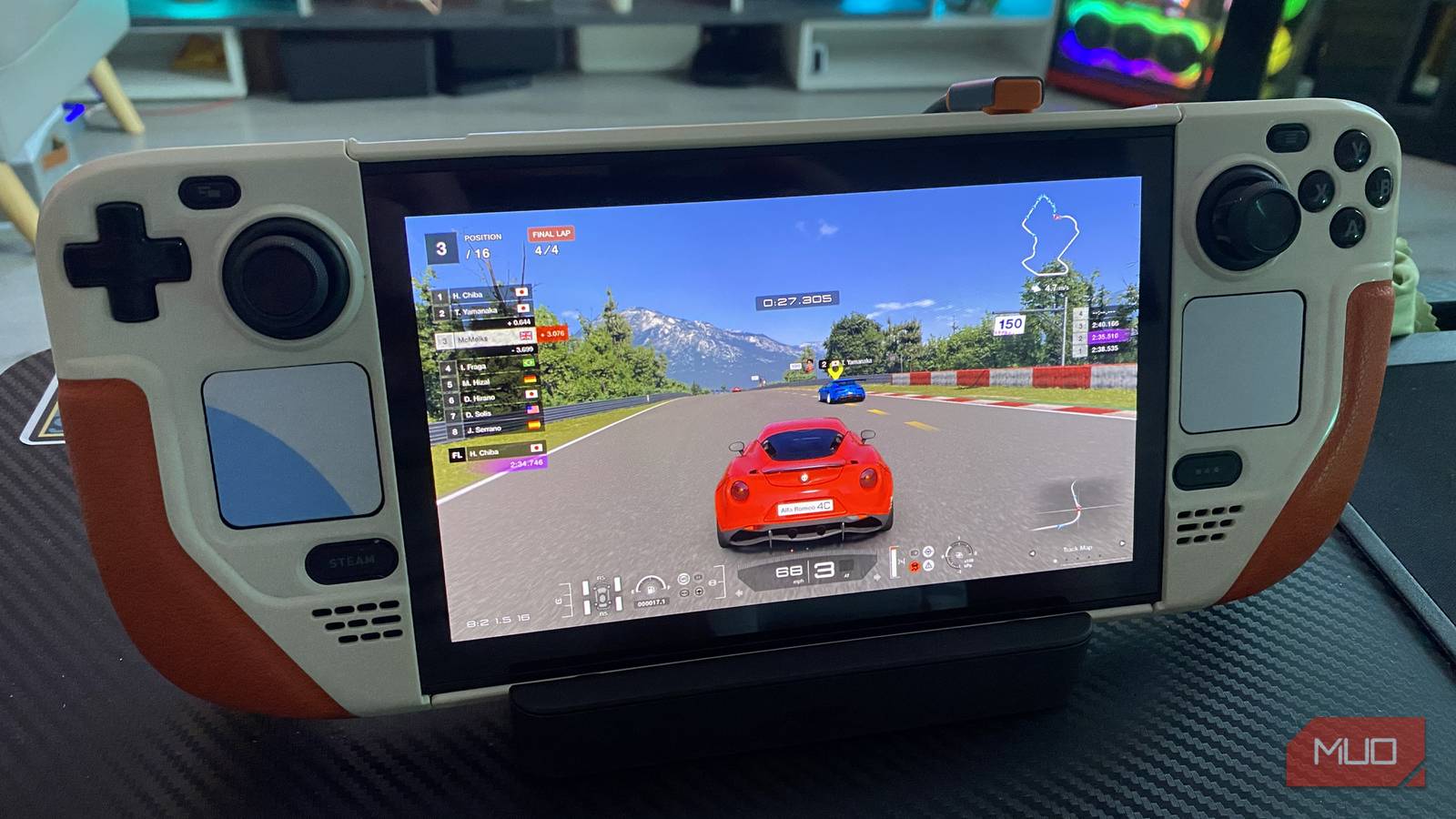
While the Deck excels out of the box, it also invites tinkering. SteamOS is Linux-based, so you can switch to Desktop Mode, install emulators, run non-Steam apps, or even dual-boot Windows if you’re adventurous. The community has built tools like Decky Loader and EmuDeck to enhance functionality. Windows handhelds, by nature, are locked into Microsoft’s ecosystem—you can’t easily strip out bloatware or customize the OS to this extent. The Deck offers the best of both worlds: console simplicity and PC freedom.
8. Consistent Performance Across the Board
Thanks to Valve’s close integration of hardware and software, the Steam Deck OLED delivers consistent frame rates without micromanagement. You can rely on the TDP (thermal design power) limiter to balance performance and battery, and the system’s smart scheduling ensures smooth gameplay. Windows handhelds, even with similar APUs (like the Z1 Extreme), often suffer from driver overhead or thermal throttling that leads to stutters. The Deck’s unified design means fewer variables, so you spend more time playing and less time tweaking.
9. A Price That Undercuts the Competition
Starting at $549 for the 512GB OLED model, the Steam Deck OLED is aggressively priced. Windows handhelds with comparable specs (like the ROG Ally Z1 Extreme) cost $699 or more. And that’s before factoring in the Deck’s superior battery, screen, and OS advantages. For the price of a mid-range laptop, you get a dedicated gaming handheld that outperforms rivals in every meaningful way. Valve has managed to deliver a premium experience without the premium price tag.
10. A Legacy of Continuous Improvement
Valve didn’t rest on its laurels after the original Deck’s success. The OLED model addresses nearly every complaint: better battery, lighter weight, improved cooling, and a stunning screen. Valve also provides regular software updates that add features (like Bluetooth audio betterment and new controller mappings) long after launch. Windows handheld makers often abandon devices after a year, but Valve treats the Deck as a platform, not a product. This commitment ensures your investment stays relevant for years.
Conclusion: The Steam Deck OLED isn’t just another handheld—it’s a paradigm shift. While Windows rivals have raw power, they lack the cohesive experience that Valve has engineered. From the instant-resume magic to the community-driven ecosystem, the Deck proves that hardware and software must work in harmony. If you’re in the market for a portable gaming PC, the Steam Deck OLED is the clear winner—and it’s not even close.
Related Articles
- ASUS ROG RAIKIRI II Embraces Linux: What Gamers Need to Know
- Honoring a Hero: 5 Key Facts About Chris Cassidy's Charity Bundle in Call of Duty
- Krafton Exec Spills: The Roguelike Deckbuilder Pitch Fatigue and What ‘Roguelike Can Be Anything’ Really Means
- Marvel Snap's Uncertain Future: 10 Key Points on the Layoffs and Fallout
- Halo Infinite Surprises Players with New Gauntlet PvE Mode Amidst Post-Launch Lull
- Cloud Gaming Revolution: 10 Key Highlights from May’s GeForce NOW Update
- Beyond the Battle: How Pokémon TCG Chaos Rising Elevates Art Over Gameplay
- How to Play Subnautica 2 on Game Pass: A Complete Launch Guide