Windows 11: The Modern Face Built on 90s Foundations
Introduction
It is easy to forget that every sleek interface and modern feature in Windows 11 is supported by a deep layer of code that originated in the 1990s. Microsoft's Chief Technology Officer recently highlighted this reality, reminding us that the operating system's core—its 'bedrock'—still relies on decades-old programming. While users enjoy smooth animations, touch gestures, and a fresh design, a trip to the Control Panel can feel like a time machine.
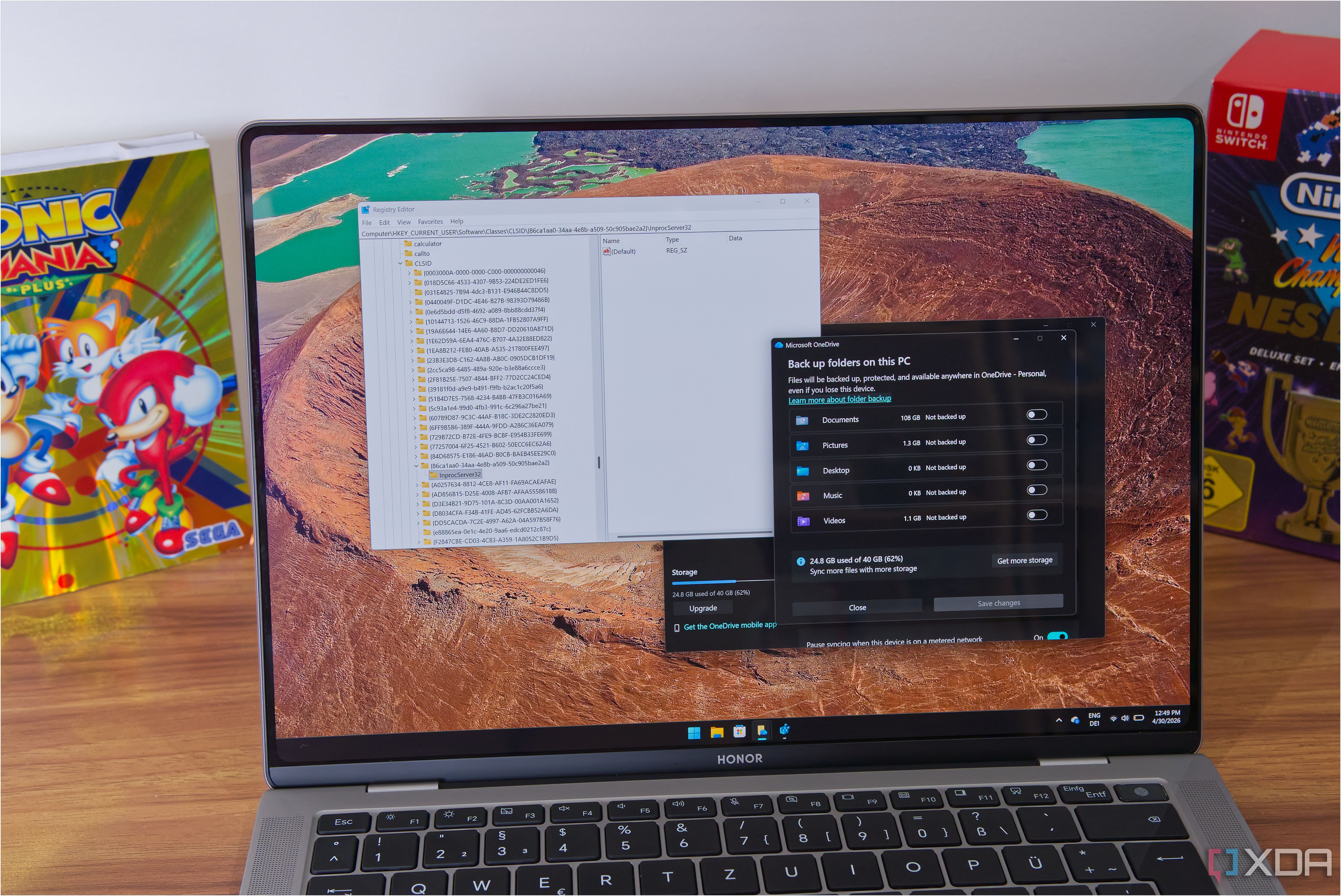
The Double Life of Windows 11
Where the Old Code Lives
Windows 11 presents a polished, contemporary face with rounded corners, a centered Start menu, and system-wide dark mode. Yet underneath, many components trace back to earlier versions of Windows. The Control Panel, for instance, still contains dialog boxes that look and behave exactly as they did in Windows 95. Similarly, the Device Manager and Disk Management utilities rely on the same legacy code paths, updated only for compatibility. This reliance on old code is not accidental; it ensures that thousands of business applications and hardware drivers continue to function without breaking.
The Challenge of Inheritance
Maintaining a mix of legacy and modern code presents unique challenges. Developers must keep the old parts stable while introducing new features like the Widgets panel or improved virtual desktop support. Compatibility is king, but it comes at a cost: the codebase grows more complex over time, and old code can introduce security vulnerabilities that are difficult to patch without breaking something else.
Why the 90s Code Persists
Backward Compatibility as a Pillar
Microsoft has long prioritized backward compatibility. Many enterprises run custom applications written for Windows NT or Windows 2000. Updating these applications is often too expensive or risky, so the OS must keep the underlying APIs intact. This commitment is a double-edged sword: it preserves the ecosystem but slows innovation.
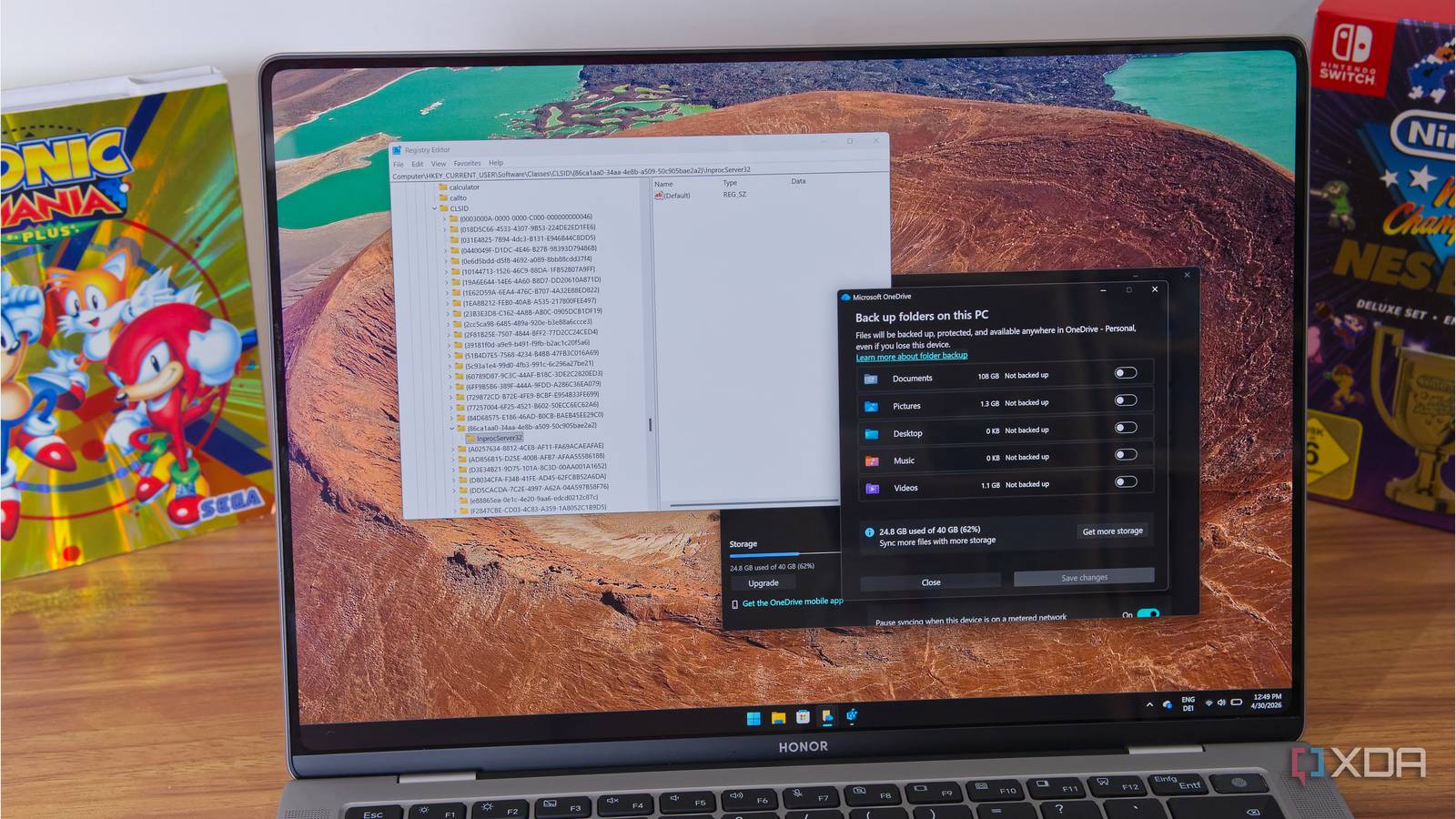
Risk of Rewriting
Rewriting an entire operating system from scratch is nearly impossible. Even with Windows 10X (which was abandoned), Microsoft found that stripping away old code caused too many compatibility issues. The current approach is to gradually replace old layers where possible, but the core kernel still contains code from the early 1990s, as confirmed by the CTO.
How Microsoft Manages the Mix
Modularity and Virtualization
Modern versions of Windows use virtualization to isolate legacy components. For example, the Windows Subsystem for Linux runs in a lightweight VM, and some old Win32 apps can be sandboxed. This allows new features to be added without destabilizing the old codebase.
Gradual Modernization
Microsoft has slowly replaced old user interface elements. The Settings app is gradually taking over functions from the Control Panel. However, many advanced settings still open legacy windows. This coexistence is a deliberate design choice to avoid confusing users who are accustomed to the old ways.
Conclusion: A Foundation Worth Keeping?
While it may seem odd that a cutting-edge OS relies on code from the 1990s, this strategy has enabled Windows to remain a dominant platform for decades. The old code is not necessarily bad—it is battle-tested and well-understood. The real challenge lies in balancing stability with innovation. As Microsoft continues to evolve Windows 11, users can expect the old and new to coexist for many more years.
Related Articles
- Configuration Safety at Scale: Canary Rollouts and Blameless Reviews
- Rustup 1.29.0 Brings Faster Installations, Broader Platform Support, and Enhanced Shell Integration
- 2025 Go Developer Survey: Key Insights on Developer Challenges, AI Usage, and Documentation Gaps
- How to Govern AI Agent Sprawl in Your Enterprise: A Step-by-Step Guide
- 8 Things You Need to Know About Cloudflare Handing the Keys to AI Agents
- A Policymaker’s Guide to Reducing Online Harm While Protecting the Open Internet
- Mastering the Latest Rustup 1.29.0: A Complete Guide to Faster Toolchain Management
- rustup 1.29.0: Key Updates and Answers to Your Questions