Yazi: A Modern Terminal File Manager with Blazing Fast Performance
For many Linux users, the terminal is a familiar environment, but managing files there often feels primitive—relying on commands like ls, cd, and cp without visual feedback. Enter Yazi, a terminal-based file manager written in Rust that brings a modern, visually rich experience to the command line. This article explores what Yazi offers, how to install it, and why it might become your go-to file manager for terminal work.
What is Yazi?
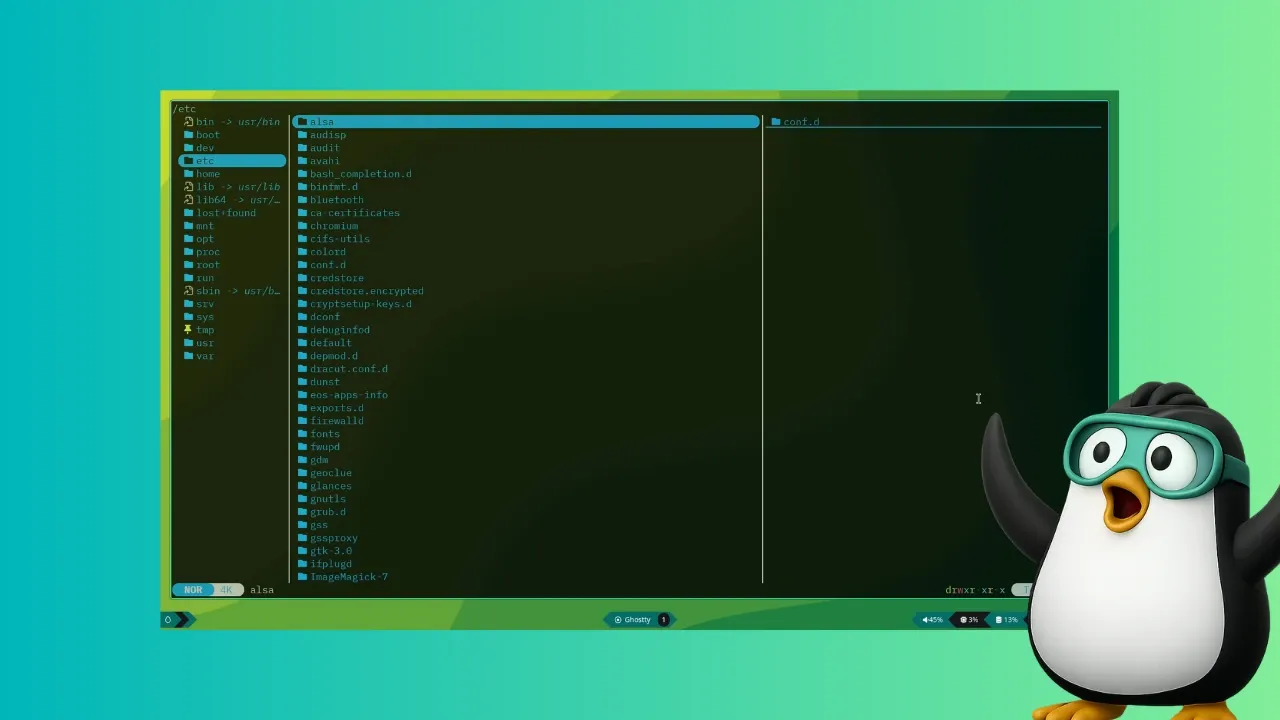
Yazi is a file manager designed to run entirely within the terminal, providing a graphical-like interface without leaving the command line. It leverages full asynchronous support, spreading CPU tasks across multiple threads for snappy performance. Unlike traditional file managers, Yazi focuses on speed and efficiency while offering features that make file browsing, searching, and previewing feel natural.
Key Features of Yazi
Yazi stands out with several capabilities that rival graphical file managers like Nautilus or Nemo. Here are the highlights:
- Full asynchronous support: Tasks are distributed across multiple threads, preventing slowdowns during heavy operations.
- Built-in image previews: Supports multiple image protocols (e.g., Kitty, iTerm2) so you can view thumbnails directly in the terminal.
- Code highlighting and image encoding: Preview source files with syntax highlighting and even see images without external viewers.
- Scrollable previews: Hover over a file and scroll through its contents—whether text, code, or media metadata.
- Powerful file search and manipulation: Integrated fuzzy finding and batch renaming tools simplify file management.
These features make Yazi especially useful for developers, system administrators, or anyone who spends significant time in the terminal.
Installation Guide
Installing Yazi is straightforward on most Linux distributions. Below are instructions for several package managers. Note that for full functionality, you should install optional dependencies such as ffmpeg, 7zip, jq, poppler, fd, ripgrep, fzf, zoxide, resvg, and imagemagick.
Arch Linux
On Arch-based systems, Yazi is available in the official repositories. Install it along with recommended tools using:
sudo pacman -S yazi ffmpeg 7zip jq poppler fd ripgrep fzf zoxide resvg imagemagickUbuntu / Debian
For Ubuntu users, the easiest method is via Snap. Ensure Snap is enabled, then run:
sudo snap install yazi --classicAdditionally, install the supporting packages from the repositories:
sudo apt install ffmpeg 7zip jq poppler-utils fd-find ripgrep fzf zoxide imagemagickOther Distributions
If Yazi isn’t in your distribution’s repositories, use the official binary release from GitHub. Download the latest binary, give it execute permission, and run it directly. Remember to install the dependencies listed above to unlock all features.
Getting Started with Yazi
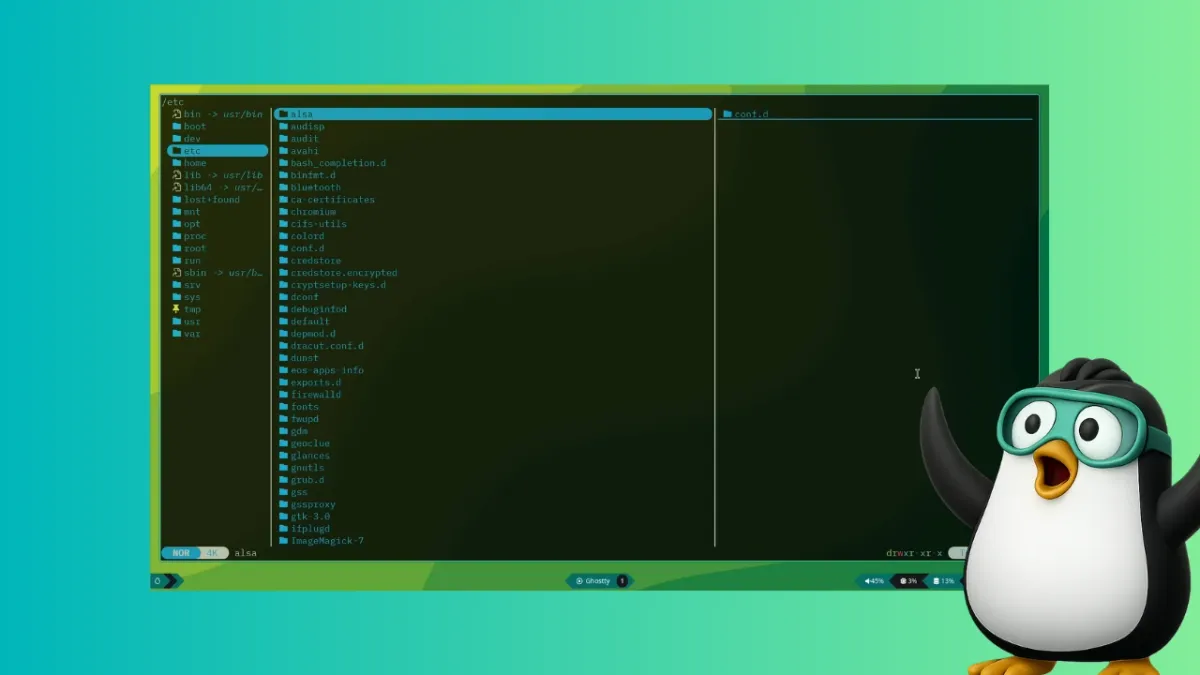
Once installed, simply type yazi in your terminal to launch the file manager. You’ll be greeted with a split-pane interface: the left pane shows the directory tree, the right pane previews the selected file. Navigation is keyboard-driven—use arrow keys to move, Enter to open directories or files, and q to quit. For advanced operations, press ~ to open the shell or : to enter command mode.
Yazi supports mouse input in terminals that allow it, though the keyboard remains primary. The built-in search (activated by /) uses fzf-like fuzzy matching, making it easy to locate files even in large directories.
Why Choose Yazi Over Traditional Tools?
Many Linux users default to ls and cd for file navigation, but Yazi offers significant advantages:
- Visual context: Previews of images, PDFs, and code files eliminate the need to open separate applications just to peek at content.
- Speed: Asynchronous processing means complex file operations don’t freeze the interface.
- Integration: Works seamlessly with tools like
ripgrepfor content search,zoxidefor smart directory jumping, andfdfor fast file discovery. - Lightweight: Written in Rust, Yazi uses minimal system resources compared to GUI file managers.
If you spend any time in the terminal, Yazi can boost productivity and make file management less tedious.
Conclusion
Yazi is a powerful terminal file manager that bridges the gap between command-line efficiency and visual ease. Its rich set of features, combined with installation simplicity across distributions, makes it a compelling alternative to both traditional CLI commands and heavy graphical explorers. Whether you’re a seasoned terminal veteran or a curious newcomer, Yazi is worth exploring—it might just become the file manager you never knew you needed.
Related Articles
- 10 Critical Insights on Why Enterprise AI Workflows Fail and How Salesforce Agentforce Operations Fixes Them
- Revolut CEO Offers $1,250 Bonus to Each Employee to Boost Business Banking Arm – IPO Target at $200 Billion
- Q&A: Curl Founder Daniel Stenberg Responds to Mythos Vulnerability Report
- Building a Secure Software Supply Chain: A Practical Guide to Protecting Open-Source Dependencies
- Anthropic’s Revenue Explodes to $30 Billion Run Rate, Driven by ‘Crazy’ 80x Growth and AI Coding Tool
- Inside OpenAI's Financial Strategy: The Role of CFO Sarah Friar
- Navigating the AI Revolution: Observability and Intuition in Modern Software Development
- Master Your Terminal Workflow: A Step-by-Step Guide to Yazi File Manager